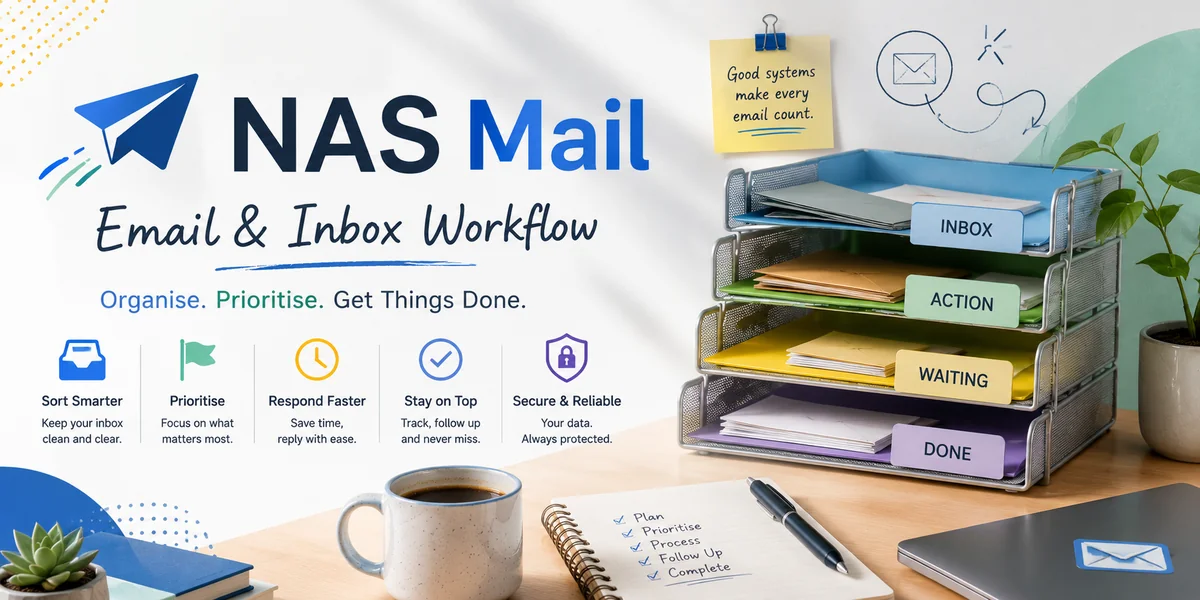
Email overload becomes dangerous when a busy inbox stops representing the work accurately. An unread message may be a new enquiry, an internal update, a customer waiting for action or a newsletter that can wait indefinitely. Staff respond to what looks easiest, important conversations become buried and checking email starts consuming the time needed to complete the work generating those messages. During a busy period, the answer is not simply to read faster. A small business needs a temporary operating discipline that separates communication from action and makes important ownership visible.
Stop treating the inbox as one undifferentiated queue
Identify the categories that matter operationally, such as new customer enquiries, active job issues, approvals, supplier matters and information-only messages. Keep the number of categories small enough to use consistently.
The purpose is not perfect filing. It is to make work with different consequences visible so a low-value stream cannot hide a customer issue that needs attention.
Set deliberate review periods
Constant inbox checking fragments attention and can turn every new arrival into an interruption. Where the role permits, establish sensible review points while preserving a route for genuinely time-sensitive work.
Teams with customer-facing responsibilities may need more frequent monitoring than colleagues doing concentrated project work. The right rhythm should reflect the service promise rather than somebody else's productivity routine.
Convert actions into owned work
If an email requires investigation, approval or work by another person, record that action in the team's appropriate task or customer system. Do not rely on leaving the message unread or flagging it without a clear owner.
Email should carry the conversation; the work system should show what must happen. This distinction becomes particularly valuable when several people share responsibility during a peak.
Use rules carefully to reduce noise
Inbox rules can separate predictable low-priority notifications, newsletters or automated messages from customer communication. Start with obvious patterns and review the result before adding more automation.
A badly designed rule can hide exactly the message it was meant to organise. Keep important routing understandable and make sure somebody knows how to inspect or change the rules when circumstances shift.
Make templates earn their place
Templates can accelerate routine replies, acknowledgements and requests for standard information. They should still be checked against the individual conversation before sending.
Busy periods expose weak templates quickly. If staff repeatedly rewrite the same section, update the approved version rather than forcing everybody to make the same correction separately.
Protect complex messages from quick-reply pressure
Complaints, unusual commitments and sensitive enquiries may need more thought than routine correspondence. Give these messages visible ownership and, where appropriate, acknowledge them while the substantive answer is prepared.
A fast but incomplete reply can create another email and increase the queue. Resolution quality is part of workload management because clear answers reduce avoidable back-and-forth.
Share the load without duplicating replies
When colleagues help with a busy inbox, define who is taking which work. A shared mailbox or common task view should make ownership apparent before two people independently answer the same customer.
At handover points, identify unresolved high-priority messages explicitly. Do not assume the next person will infer importance from flags or the age of the thread.
Use the busy period to find permanent improvements
Once pressure reduces, review what created the largest volume and which messages repeatedly required manual intervention. The cause may be unclear customer information, a process change, a service problem or unnecessary internal notifications.
Email overload is often a symptom of work design as much as communication volume. By separating noise from action, controlling review habits, assigning ownership and improving recurring replies, a small business can make a busy inbox manageable without allowing speed to replace judgement.