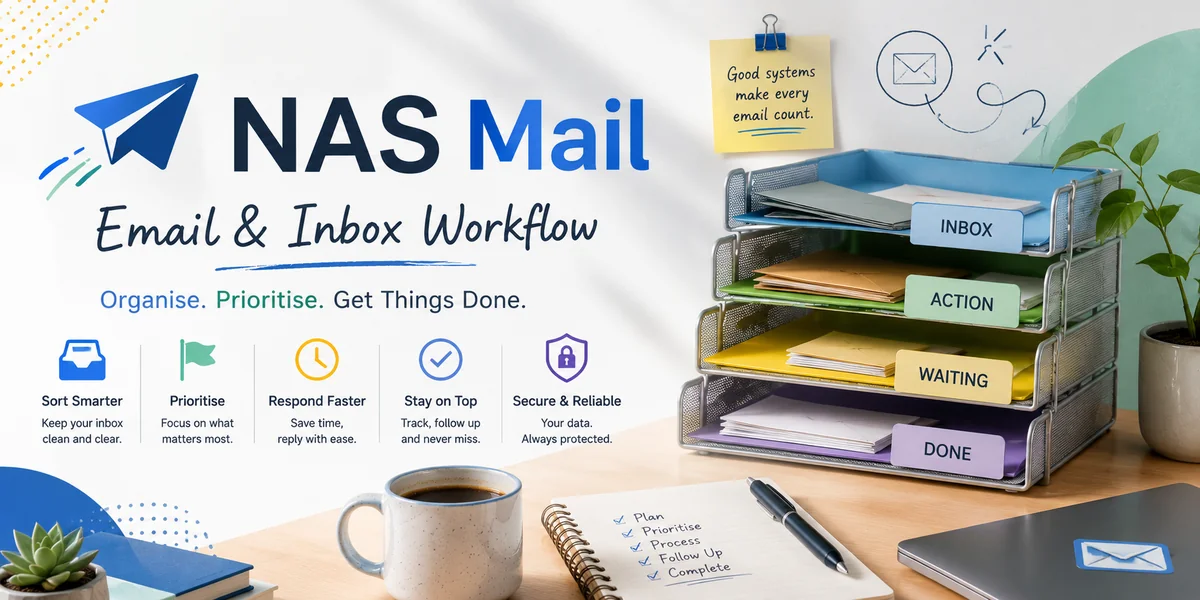
Customer emails rarely go unanswered because a small business has decided they do not matter. More often, the message arrives in a busy inbox, gets read at the wrong moment, is forwarded without ownership or requires an answer that somebody intends to write later. By the time the customer follows up, everybody remembers seeing the email but nobody can explain what happened to it. Fixing this problem means changing inbox habits, not simply telling staff to reply faster.
Stop treating read as handled
Opening a message only changes its visual state. It does not create an owner, record an action or confirm that the customer received a response.
Adopt a rule that actionable messages must be answered, assigned or converted into tracked work. If none of those things happens, the email remains unresolved regardless of whether it has been read.
Give shared messages one owner
When several people receive the same customer email, responsibility becomes surprisingly easy to diffuse. Make ownership visible in the shared inbox, customer system or agreed task tool.
Avoid forwarding a message with no instruction. If another colleague needs to take over, state the required action and transfer responsibility explicitly.
Separate quick replies from work that needs time
Some emails can be resolved immediately; others require investigation, approval or specialist input. Trying to keep every complex message in the inbox until the full answer is ready encourages forgotten commitments.
Acknowledge where appropriate, record the underlying task and give the customer a realistic next update. The inbox then carries the conversation while the operational work is tracked separately.
Create deliberate review points
Relying on constant inbox checking interrupts focused work while still failing to guarantee coverage. Set review points appropriate to the team's service expectations and make sure somebody is responsible during operating periods.
Include a final check for unowned and promised actions. The objective is not inbox zero but no invisible customer commitments.
Use flags and folders for a defined purpose
Flags, stars, labels and folders are useful only when the team agrees what they mean and reviews them consistently. A flag that means “important”, “reply later” and “keep this” at the same time is not a dependable workflow.
Prefer a small number of signals tied to actions. Remove obsolete rules and folders that hide messages from the normal review process.
Plan for absence before it happens
Customer communication should not stop because the only person who understands an inbox is on leave. Shared access, documented handovers and appropriate out-of-office arrangements create continuity.
Before an absence, identify active conversations with promised follow-ups and transfer them to named colleagues. Access alone does not tell the replacement what the customer is expecting.
Find the process behind repeated delays
If the same type of email regularly sits unanswered, ask why. Perhaps staff lack authority, customer information is difficult to find, a specialist is overloaded or the message reaches the wrong address.
Improving routing, templates, information access or decision rights can remove the delay at its source. Reminders alone merely make the broken process more persistent.
Measure success by dependable ownership
A healthy inbox is not necessarily empty. It may contain active conversations, provided the team can see who owns them, what is waiting and when the next action is due.
That is the habit shift that prevents customer emails disappearing: every meaningful message leaves a trace of responsibility. Once answering, assigning and tracking become routine, fewer customers need to chase and staff spend less time reconstructing what somebody intended to do several days earlier.