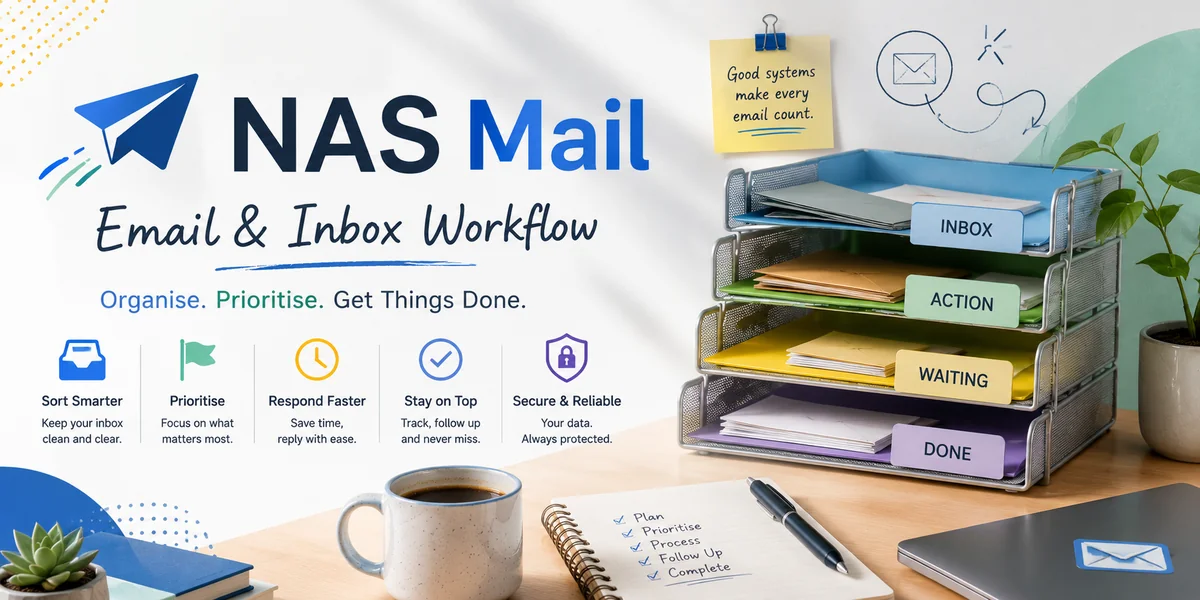
Small teams often discover that the inbox has quietly become their task system. A customer asks for something, a colleague forwards the message, somebody flags it and everyone assumes the work is under control. The weakness appears when the flag belongs to one mailbox, the deadline is hidden in the thread or nobody can tell whether the task was completed. A simple email-to-task process separates communication from operational ownership.
Decide which emails should become tasks
Not every message needs a task record. Define the trigger: an email requires work beyond a simple immediate reply, creates a future commitment, needs input from another person or must be tracked to completion.
Routine information can remain email. Creating tasks for everything merely moves inbox clutter into another system.
Capture the action, not the whole conversation
When converting a message, write the task as a clear action. Include the customer or project reference, the required outcome and any relevant timing that has actually been agreed.
Link or attach the source message where the chosen tools support it, but do not expect the assignee to read a twenty-message thread before discovering what they need to do.
Assign one accountable owner
A task should belong to a person or explicit working queue. Copying several colleagues into an email does not establish accountability and neither does assigning the same task ambiguously to an entire team.
If responsibility changes, update the task rather than relying on a forwarded email to communicate the handover. The authoritative record should show who owns the next action now.
Record realistic timing
Use a due date when there is a genuine deadline or agreed follow-up point. Avoid arbitrary dates that staff routinely ignore, because an overloaded task list becomes no more trustworthy than an overloaded inbox.
If timing depends on customer input, mark the task accordingly. Distinguishing waiting from overdue helps the team focus on work it can actually progress.
Reply to the customer separately when needed
Creating an internal task does not acknowledge the customer's message. Decide whether the sender needs confirmation, a question or an expectation about what happens next.
Keep internal task notes out of customer-facing replies. The two records serve different audiences even when they refer to the same piece of work.
Use automation only where mapping is dependable
Some systems can create tasks from flagged messages, shared-inbox assignments or defined rules. Automation can remove repetitive copying, but it should preserve the important context and avoid generating duplicate work.
Test what happens when the customer replies, the task is reassigned or the email contains several separate requests. A convenient button is useful only if the resulting task remains understandable.
Close the task and the communication loop
Define what completion means. Finishing the internal action may still require a customer update, file change or record entry before the commitment is genuinely closed.
Where possible, make completion visible to the team without forcing somebody to search the original inbox. The task system should become the reliable source for operational status.
Keep the process small enough for the team
Choose one task destination, a simple conversion rule, required fields and an ownership convention. Review tasks that were duplicated, abandoned or impossible to understand and fix the process that created them.
When an email creates real work, turn the commitment into a visible task with a clear owner, required outcome and dependable completion point. That gives a small team a shared operational record without making the customer-facing inbox carry responsibilities it was never designed to manage.