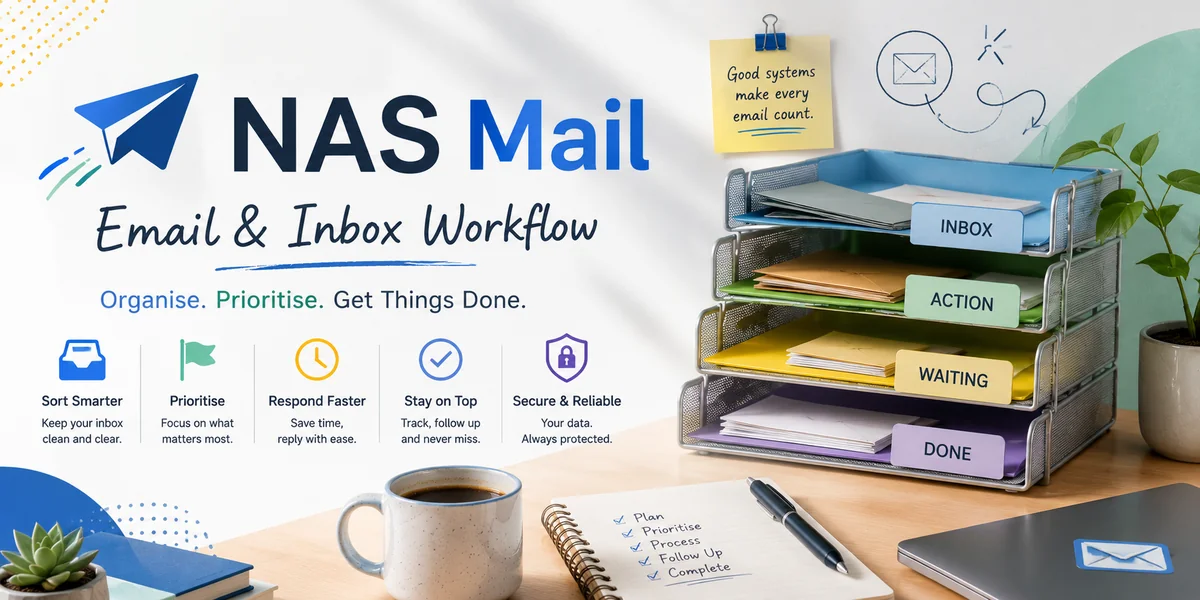
Folders and labels can make customer email easier to manage, but only when they reflect decisions the team actually needs to make. A mailbox with dozens of categories may look organised while still hiding unanswered enquiries, overdue actions and important account history. For customer account management, the useful question is not how many folders you can create. It is how the structure helps somebody recognise ownership, status and context quickly enough to act.
Decide what the email structure needs to reveal
Start with the operational questions staff ask every day. Which messages need action? Which are waiting for the customer? Which relate to an active account issue? Which correspondence should remain easy to find for reference?
Create categories only where they help answer one of those questions. Decorative organisation adds maintenance without improving customer service.
Separate customer identity from work status
A folder for every customer may appear logical, but it can hide the difference between completed correspondence and work that still needs attention. Consider whether customer identity is already searchable or recorded in another system.
Status labels such as action required or waiting can be more useful for day-to-day control, while the customer or account system holds the durable relationship record.
Keep the number of categories manageable
People classify inconsistently when faced with too many similar choices. Use a small vocabulary that the whole team understands and document what each category means.
If staff regularly hesitate between two labels, the distinction may not be operationally useful. Merge or redefine categories rather than accepting inconsistent filing.
Use automation for predictable sorting
Rules can route known notifications, supplier messages or specific account traffic into appropriate locations. Introduce automation gradually and test where messages land before relying on it.
Do not create rules so broad that customer emails disappear from the team's active view. Automated sorting should reduce noise without concealing work.
Do not use folders as a substitute for ownership
Moving a message into an “urgent” or “to do” folder does not identify who will handle it. In a shared environment, combine categorisation with an explicit assignment or task process.
Every actionable customer message should have a visible route to a responsible person. Otherwise the folder simply becomes a more organised place for work to wait.
Keep important account information outside the mailbox
Email is valuable evidence of conversations, but essential customer facts, commitments and current account status should be recorded in the appropriate shared business system where relevant.
This prevents staff searching multiple personal folders to reconstruct the relationship. It also allows access and information handling to follow the organisation's approved processes rather than informal forwarding habits.
Archive completed correspondence deliberately
Active views work better when completed conversations are not mixed indefinitely with current tasks. Define when a thread can be treated as complete and how it remains retrievable if needed later.
Follow applicable organisational retention and information-management requirements. Do not invent a deletion period simply to make the inbox look tidy.
Review the structure as customer work changes
New services, team changes and different communication channels can make an old folder system obsolete. Periodically inspect categories that are rarely used, overloaded or routinely ignored.
A useful folder and label system should make the next action easier to see, not create another administrative job. Keep categories few, make their purpose clear, automate only predictable traffic and connect email organisation to explicit ownership. The result is a mailbox structure that supports customer account management instead of becoming a parallel filing system nobody fully trusts.